118A Simple Database Viewer
Author: Dr Heinz M. KabutzDate: 2005-12-19Java Version: 1.3Sources on GitHubCategory: Tips and Tricks
Abstract: A simple database viewer written in Java Swing that reads the metadata and shows you all the tables and contents of the tables, written in under 100 lines of Java code, including comments.
Welcome to the 118th edition of The Java(tm) Specialists' Newsletter. My last newsletter evoked envious comments from the northern hemisphere, where you are already shivering in your boots. It was cold today in Cape Town (22 degrees C), so we could only go for a short swim in our pool :) You see, we are also suffering down here...
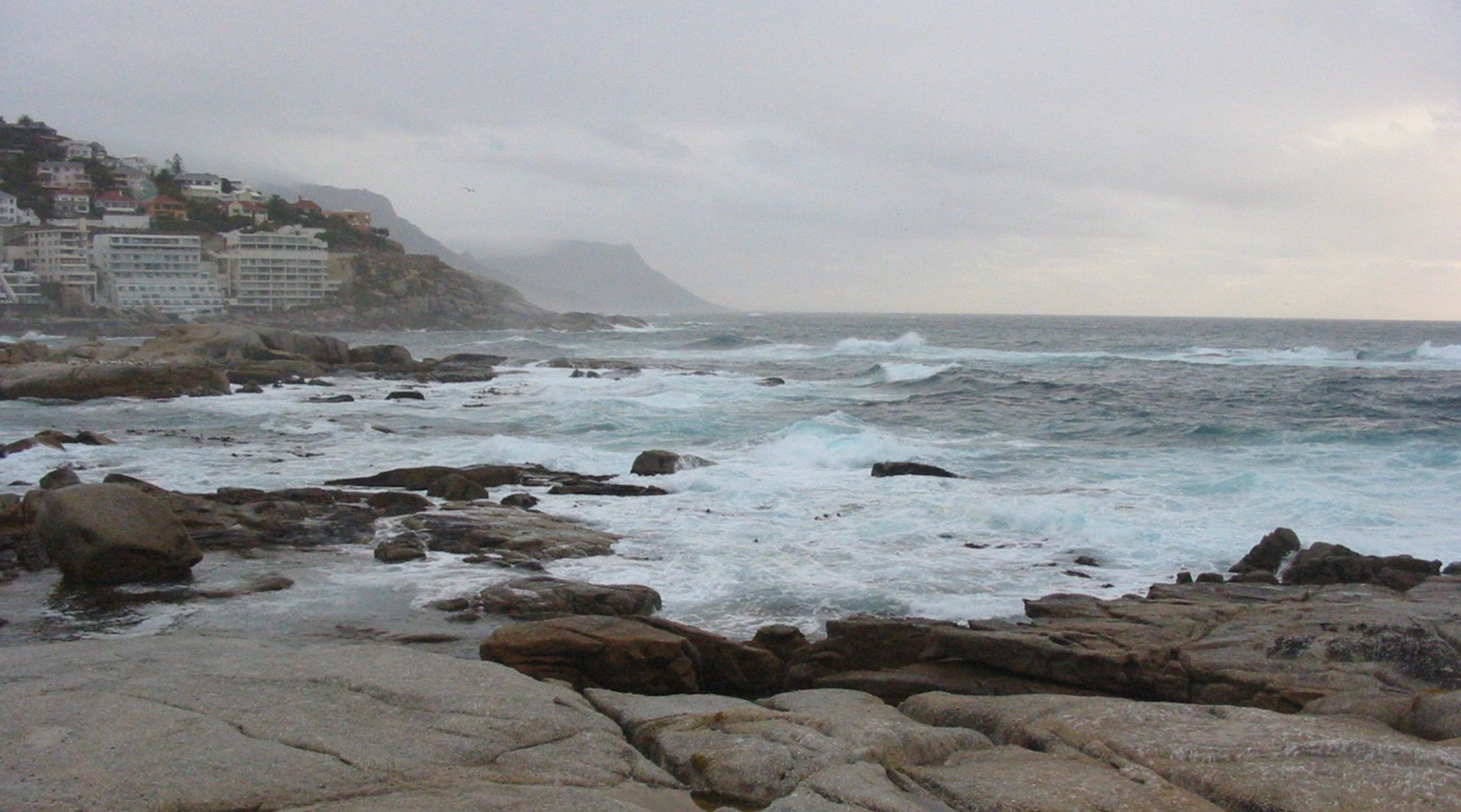
Since my childhood, the weather in Cape Town has been unpredictable until late December. Often lousy until Christmas Eve, with Christmas Day bringing beautiful beach weather. Whilst the 25th is celebrated with relatives, tradition dictates that everybody heads for the beaches on the 26th. Visitors, don't come in December. Come in March. Don't believe me? Have a look at Saunder's Rocks & Bantry Bay (originally called Botany Bay) on the eve of the 24th December 2003.
javaspecialists.teachable.com: Please visit our new self-study course catalog to see how you can upskill your Java knowledge.
A Simple Database Viewer
A while ago I was showing some Java programmers how to read meta-data from the database. I then quickly put together an application that reads all the tables and displays the contents. The initial version had a background fetching thread, progress bar, etc. This version is as simple as I could make it. It now weighs in at under 100 lines of Java code, including a couple of comments.
The first class we need is a ListModel that will contain all the table names. As is typical of database vendors, there is no standard way of knowing whether a table is a system table or a user table. Here we just show all of the tables. Finding all the tables is easy - we get the database meta-data and call the method getTables().
    import javax.swing.*;
import java.sql.*;
import java.util.*;

public class TableNameListModel extends AbstractListModel {
  private final List listData = new ArrayList();
  public TableNameListModel(Connection con) throws SQLException {
    ResultSet rs = con.getMetaData().getTables(null,null,null,null);
    // you might need a filter here if your database mixes system
    // tables with user tables, e.g. Microsoft SQL Server
    while (rs.next()) {
      listData.add(rs.getString("TABLE_NAME"));
    }
    rs.close();
  }
  public int getSize() { return listData.size(); }
  public Object getElementAt(int i) { return listData.get(i); }
}
Next we write the table model for one database table. We use the Jakarta Commons DbUtils mentioned two newsletters ago. I perhaps should have mentioned in that newsletter that Spring offers a similar construct for executing database queries. In addition, if you want to present an object view over a database, Hibernate or JDO should be considered. Or if you need a web front-end nursing a database, look at Ruby on Rails.
One problem here is that the table names may be reserved keywords in some databases and there are different ways of escaping them. In Microsoft SQL Server we escape with [] and in MySQL with ``. We cannot use prepared statements since the query "SELECT * FROM ?" does not parse.
    import org.apache.commons.dbutils.*;
import javax.swing.table.DefaultTableModel;
import java.sql.*;
import java.util.Vector;

public class DatabaseTableModel extends DefaultTableModel {
  private final QueryRunner queryRunner = new QueryRunner();
  public DatabaseTableModel(Connection con, Object tableName)
      throws SQLException {
    // might need to delimit table names
    String sql = "SELECT * FROM " + tableName;
    queryRunner.query(con, sql, new ResultSetHandler() {
      public Object handle(ResultSet rs) throws SQLException {
        // extract the column names
        int numColumns = rs.getMetaData().getColumnCount();
        Vector column = new Vector();
        for (int i = 1; i <= numColumns; i++) {
          column.add(rs.getMetaData().getColumnName(i));
        }
        // extract the data
        Vector data = new Vector();
        while (rs.next()) {
          Vector row = new Vector();
          for (int i = 1; i <= numColumns; i++) {
            row.add(rs.getString(i));
          }
          data.add(row);
        }
        setDataVector(data, column);
        return null;
      }
    });
  }
}
Lastly we bind everything together with the view and controller. This view does not allow me to update the data in the database. It uses straight result sets to view the information. An alternative would be to use RowSets.
You run this program with command line arguments: driver, url,
username and password. For example:
java DatabaseShower com.mysql.jdbc.Driver
    jdbc:mysql://localhost:3306/test root password
.
    import javax.swing.*;
import javax.swing.event.*;
import javax.swing.table.DefaultTableModel;
import java.sql.*;

public class DatabaseShower extends JFrame {
  private final JList names;
  private final JTable data = new JTable();
  public DatabaseShower(final Connection con, String title)
      throws SQLException {
    super(title);
    names = new JList(new TableNameListModel(con));
    names.addListSelectionListener(new ListSelectionListener() {
      public void valueChanged(ListSelectionEvent e) {
        if (!e.getValueIsAdjusting()) {
          Object tableName = names.getSelectedValue();
          if (tableName != null) {
            try {
              data.setModel(new DatabaseTableModel(con, tableName));
            } catch (SQLException ex) {
              ex.printStackTrace();
              data.setModel(new DefaultTableModel());
            }
          }
        }
      }
    });
    getContentPane().add(new JSplitPane(JSplitPane.HORIZONTAL_SPLIT,
        new JScrollPane(names), new JScrollPane(data)));
  }
  public static void main(String[] args) throws Exception {
    if (args.length != 4) {
      System.err.println("Usage: java DatabaseShower " +
          "driver url user password");
      System.exit(1);
    }
    Class.forName(args[0]);
    Connection con = DriverManager.getConnection(args[1], args[2],
        args[3]);
    String title = "Database Shower  ->  " + args[1];
    DatabaseShower frame = new DatabaseShower(con, title);
    frame.setSize(1024, 768);
    frame.setDefaultCloseOperation(EXIT_ON_CLOSE);
    frame.setLocationRelativeTo(null);
    frame.setVisible(true);
  }
}
The magic lines of code: TableNameListModel 18, DatabaseTableModel 34 and DatabaseShower 47. Total 99 lines.
Try it out. It is not perfect, and it is not meant to be. It provides a basic view into any database using Java JDBC. It demonstrates an MVC approach with Swing. We can use the same model with a different view, such as Java Server Pages. Paging and progress bars are left as an exercise to the reader.
Kind regards
Heinz
Comments
We are always happy to receive comments from our readers. Feel free to send me a comment via email or discuss the newsletter in our JavaSpecialists Slack Channel (Get an invite here)
Related Articles
Browse the Newsletter Archive
About the Author

Java Champion, author of the Javaspecialists Newsletter, conference speaking regular... About Heinz
Superpack
 Our entire Java Specialists Training in one huge bundle
more...
Our entire Java Specialists Training in one huge bundle
more...
Free Java Book

Java Training
We deliver relevant courses, by top Java developers to produce more resourceful and efficient programmers within their organisations.